HushZone: Focus that weaves itself.
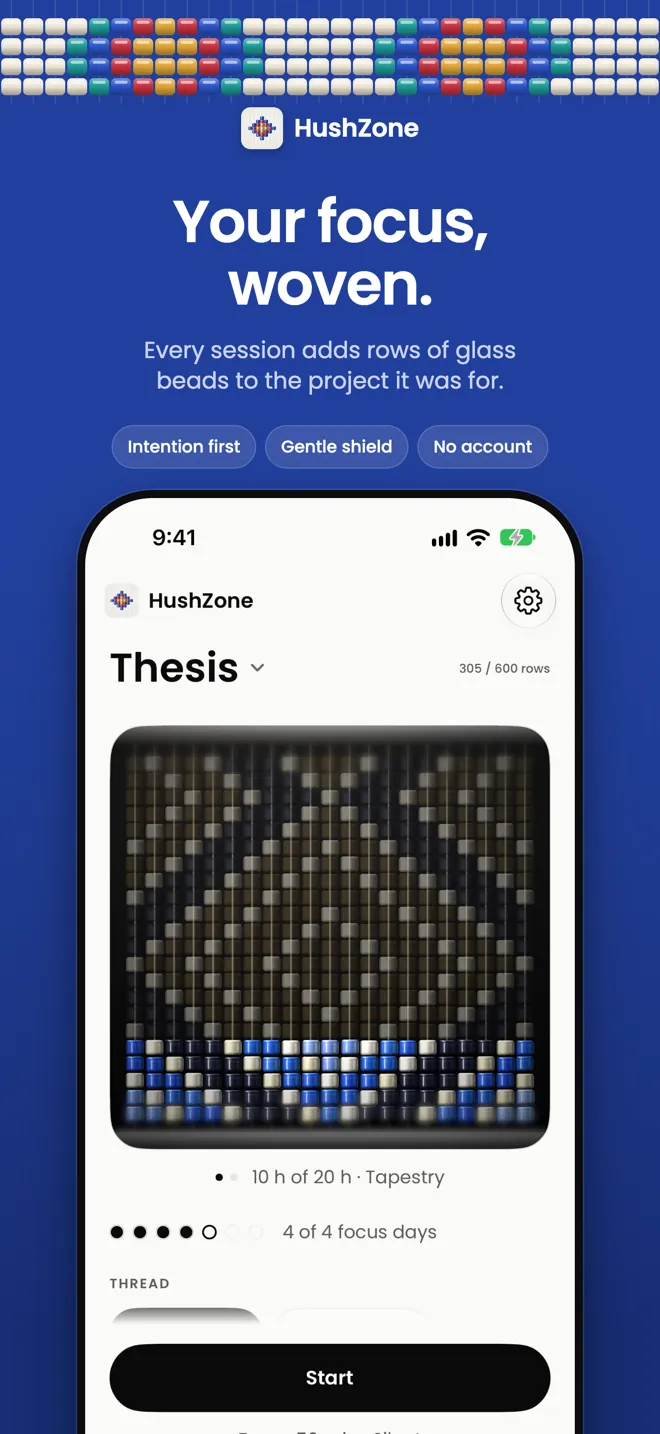
HushZone turns focused time into something you can see. Each project gets its own weave on a loom; every session adds rows, and the colours show where your time went.
A gentle Screen Time shield pauses the apps you choose, weekly targets come with rest days, and nothing leaves your iPhone: no account, no analytics, Data Not Collected.
What HushZone does
- Focus sessions that start with an intention
- A gentle shield for the apps you choose
- Weekly targets with rest days built in
- Routines, widgets and Live Activity
- Plain-number insights, no scores
- Encrypted backup you keep
Ideal for: Students, makers and anyone who wants calmer focus. Designed with ADHD in mind.
Start with what it’s for
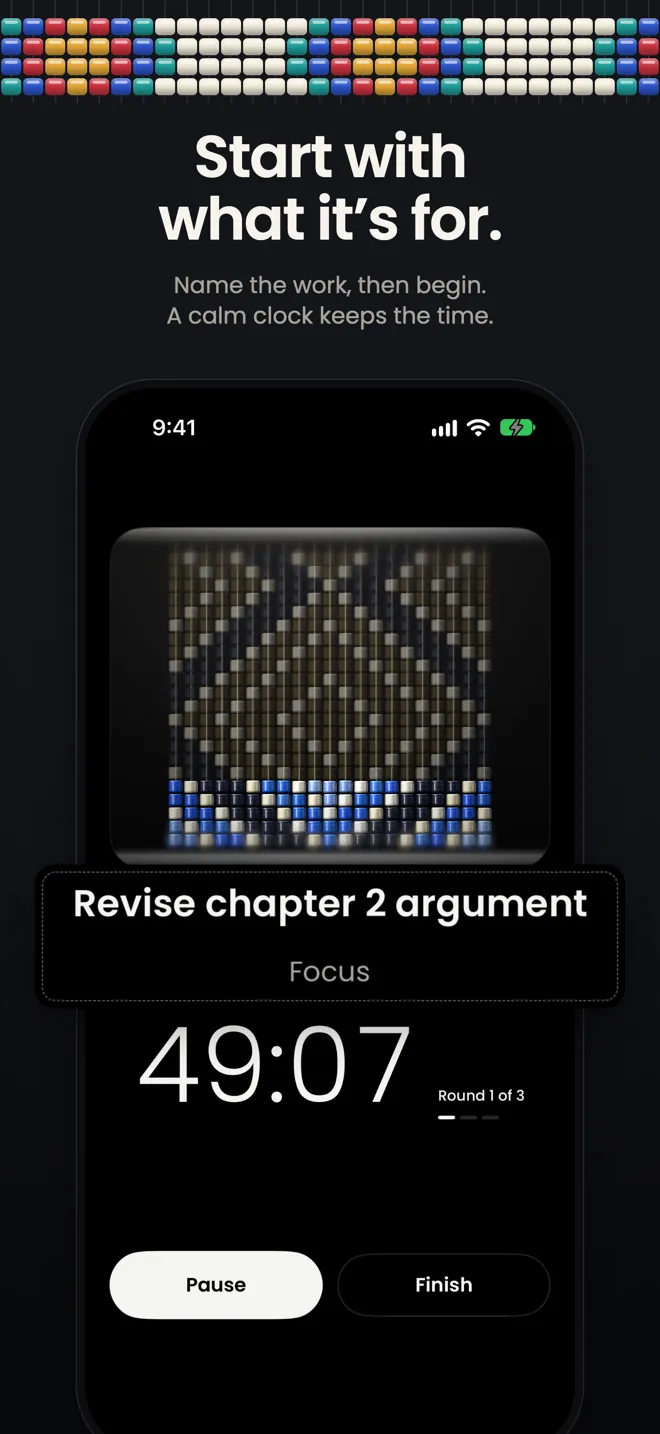
- Pick a project, a thread and, if you like, an intention, such as “Revise chapter 2 argument”. A calm clock keeps time; when you finish, one tap records how it went.
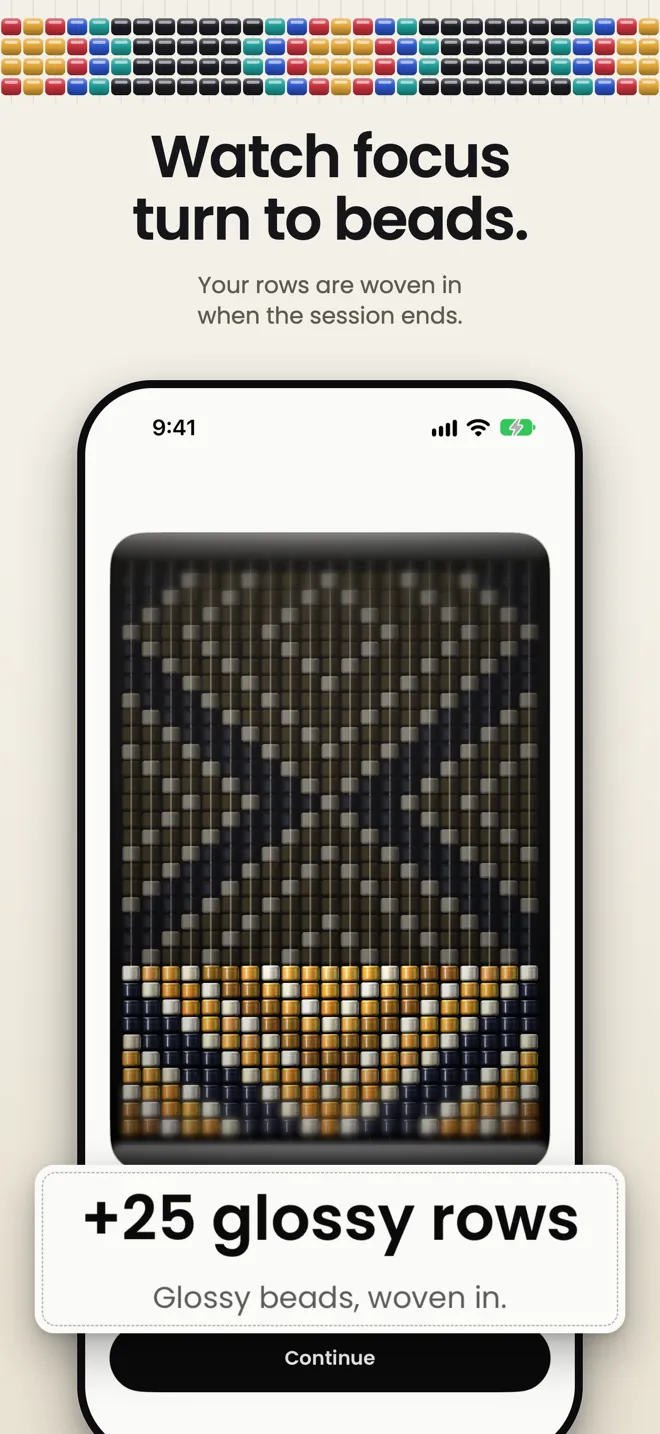
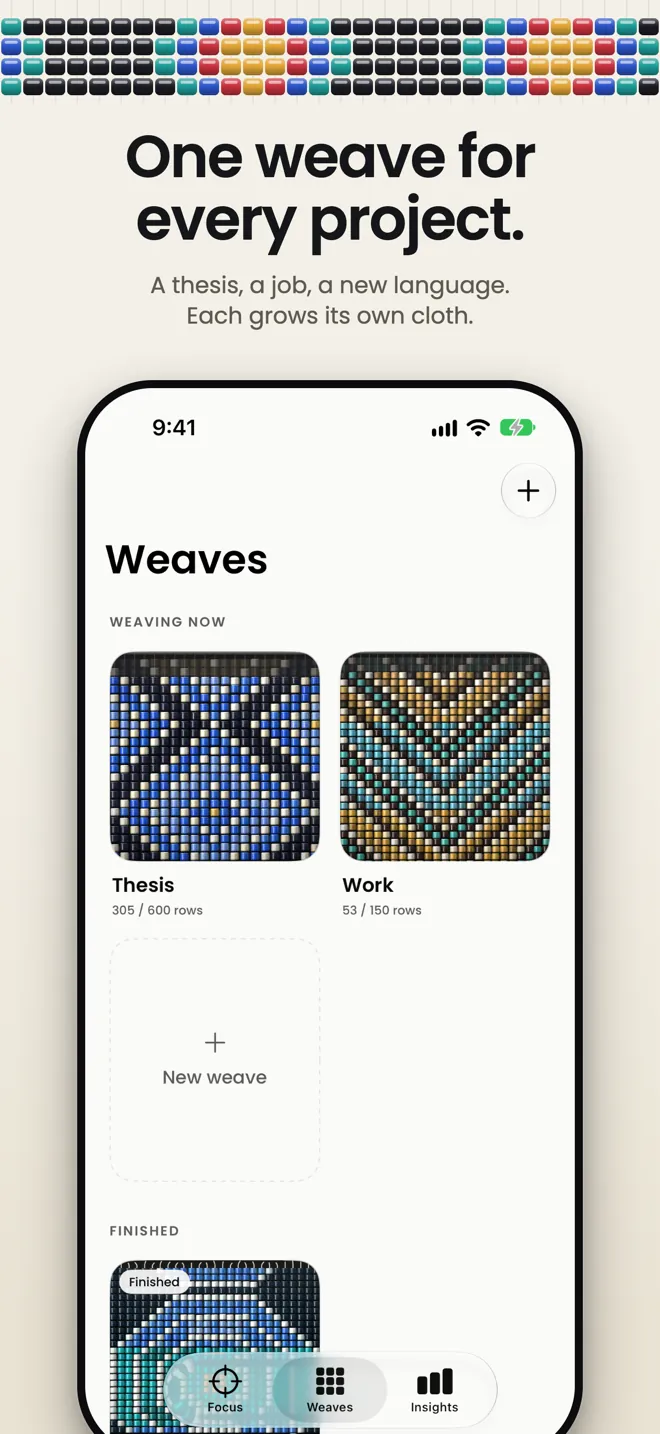
- Each project gets its own weave, a piece of glass-bead cloth on a loom. Every session adds rows, and the colours show where your time went.
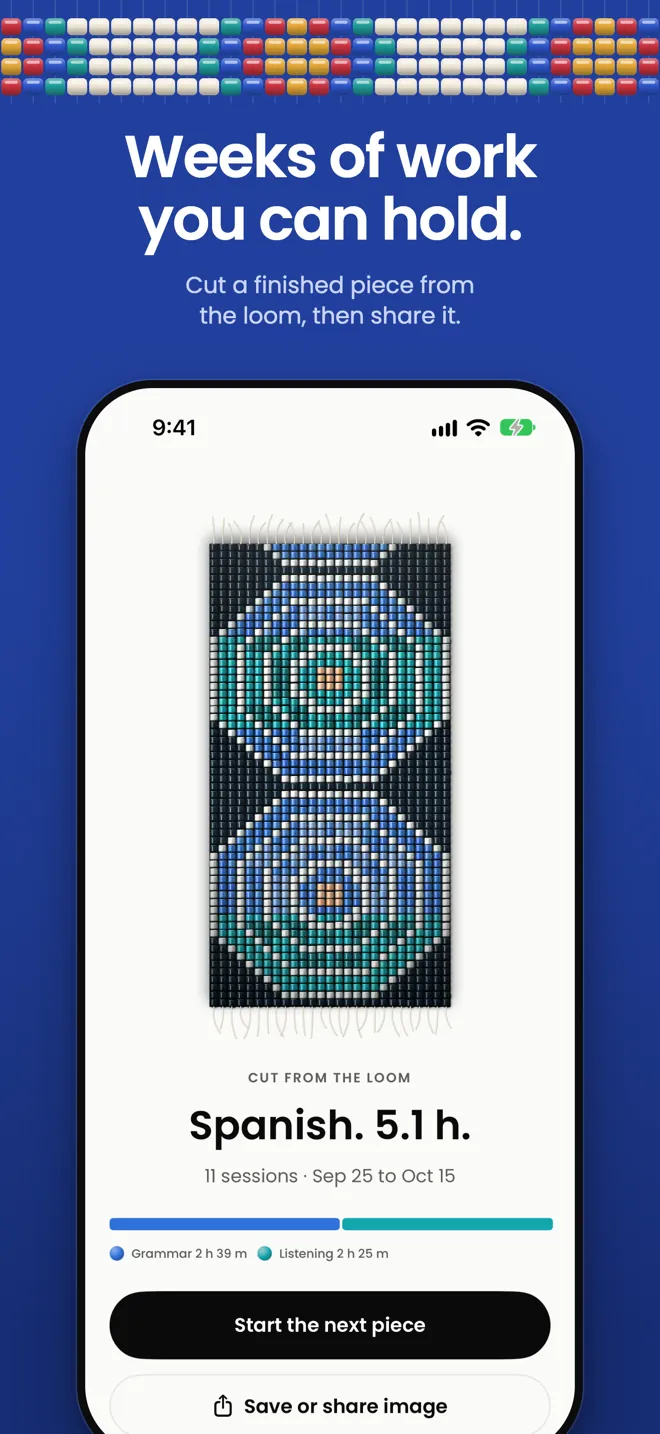
- Finished weeks become a piece you can hold up, cut from the loom and share as an image.
Distractions, gently paused
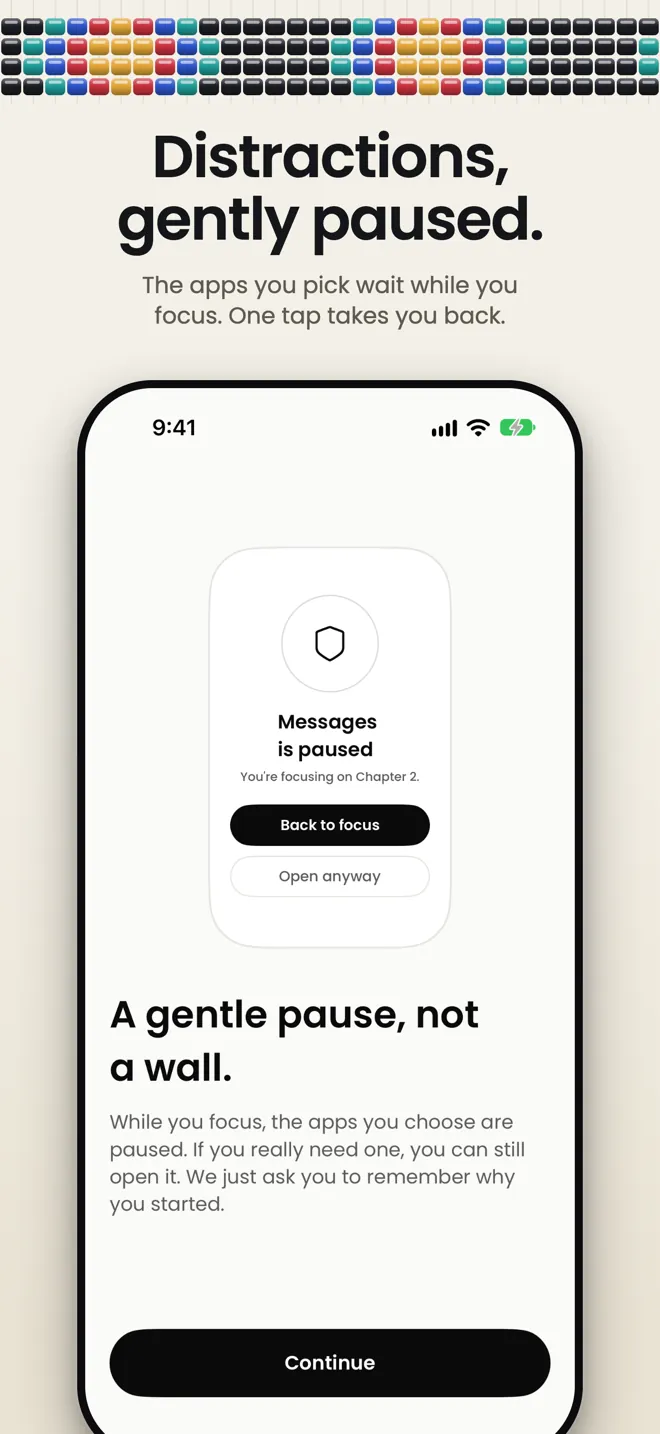
- Choose the apps to pause during a session. HushZone uses Apple’s Screen Time with individual authorization, and a paused app shows a quiet screen with your intention on it.
- “Back to focus” is always the first choice. “Open anyway” takes a second tap, after a short pause. Set the shield to Strict and “Open anyway” goes away until the session ends.
- Screen Time hands HushZone opaque tokens, so even HushZone can’t see which apps you chose. If iOS turns Screen Time access off, HushZone tells you plainly.
No streaks to break
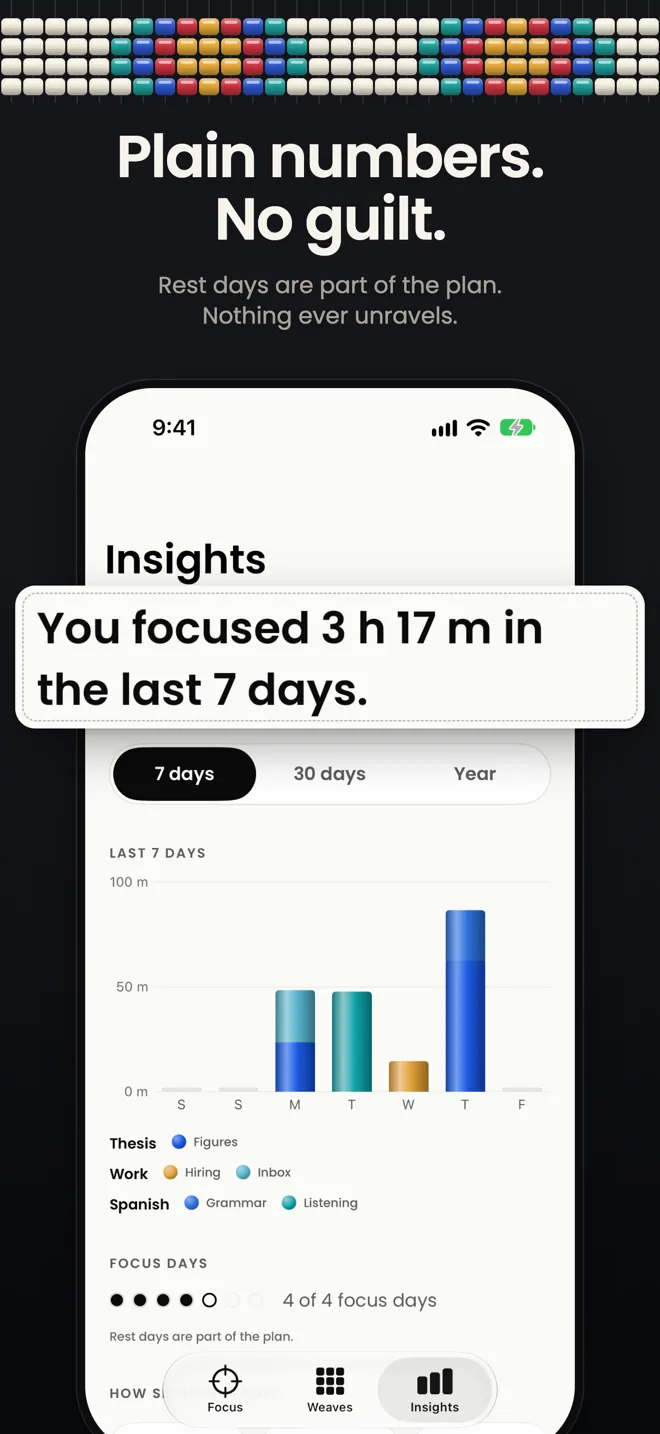
- Weekly targets with rest days built in.
- Drifting away leaves a little gold in the cloth, not a penalty. Nothing dies or unravels.
- Insights shows plain numbers. No scores, no leaderboards. Designed with ADHD in mind: short starts, gentle nudges, no guilt.
No account. No servers.
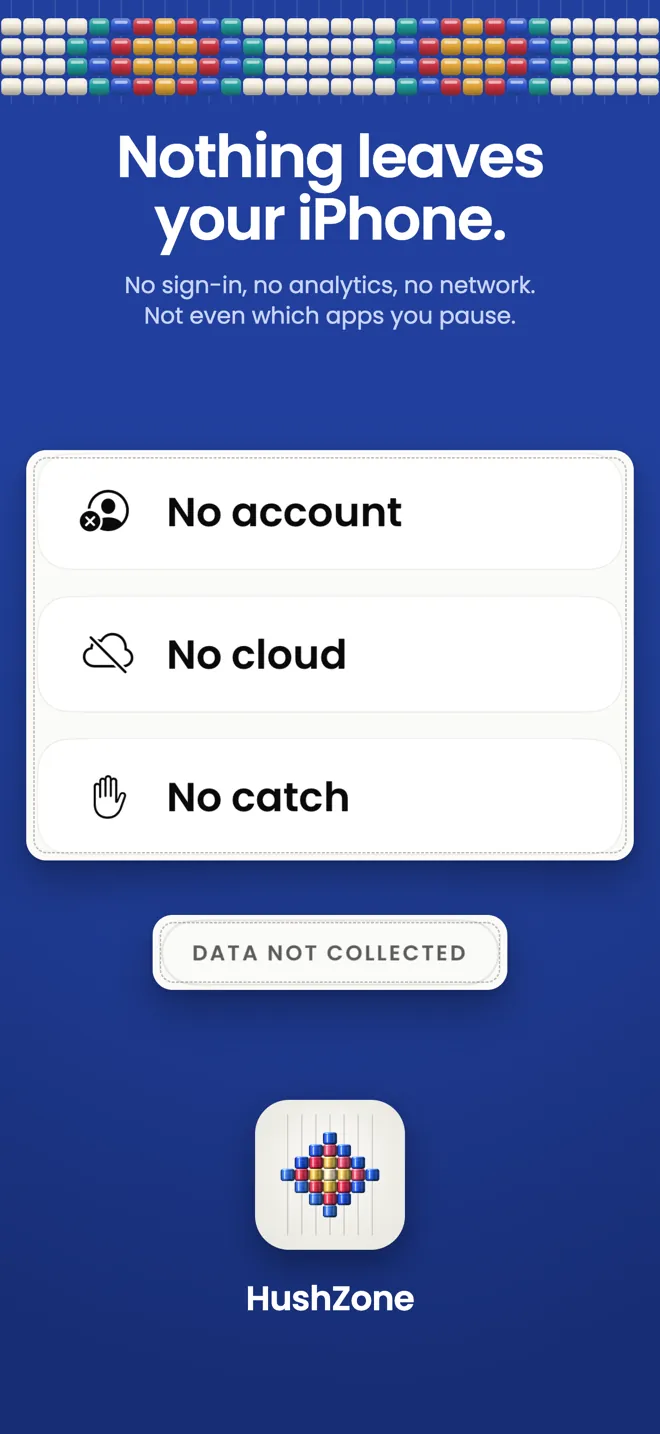
- No analytics, no ads, no tracking, no third-party SDKs. HushZone makes no network requests of its own; buying HushZone Pro goes through Apple.
- Face ID app lock, with your passcode as the fallback.
- An encrypted backup you export and keep. It’s locked with your passphrase, so only you can open it.
- App Store privacy label: Data Not Collected.
Wherever you start from
- Live Activity and the Dynamic Island, Home Screen and Lock Screen widgets, a Control Center control and the Action button.
- Siri and Shortcuts: “Start a focus session in HushZone”. Focus filters set HushZone up for the Focus you’re in.
- Routines on a schedule: the shield comes on at the time you set, and a tap starts the session.
- Calm soundscapes that mix with your own music, and a landscape desk clock.
Pay once, if you want more
The core of HushZone is free. HushZone Pro is a single one-time purchase: no subscription, no trial.
- HushZone, Free. Sessions, the shield, routines, widgets and 3 active weaves.
- HushZone Pro, $14.99. One-time purchase in USD; the price varies by region. Unlimited weaves, every pattern, theme and sound, the Year view and bead-chart export.
Work you have already woven is never locked, even after a refund.
HushZone screenshots
Download HushZone on the App Store